
Security Integration
Connect the right controls to the right workflows.
Design integrations so the signals that matter reach an owner who can act, with enough context to make a decision.
Tell us what you run. We'll help define the next step.
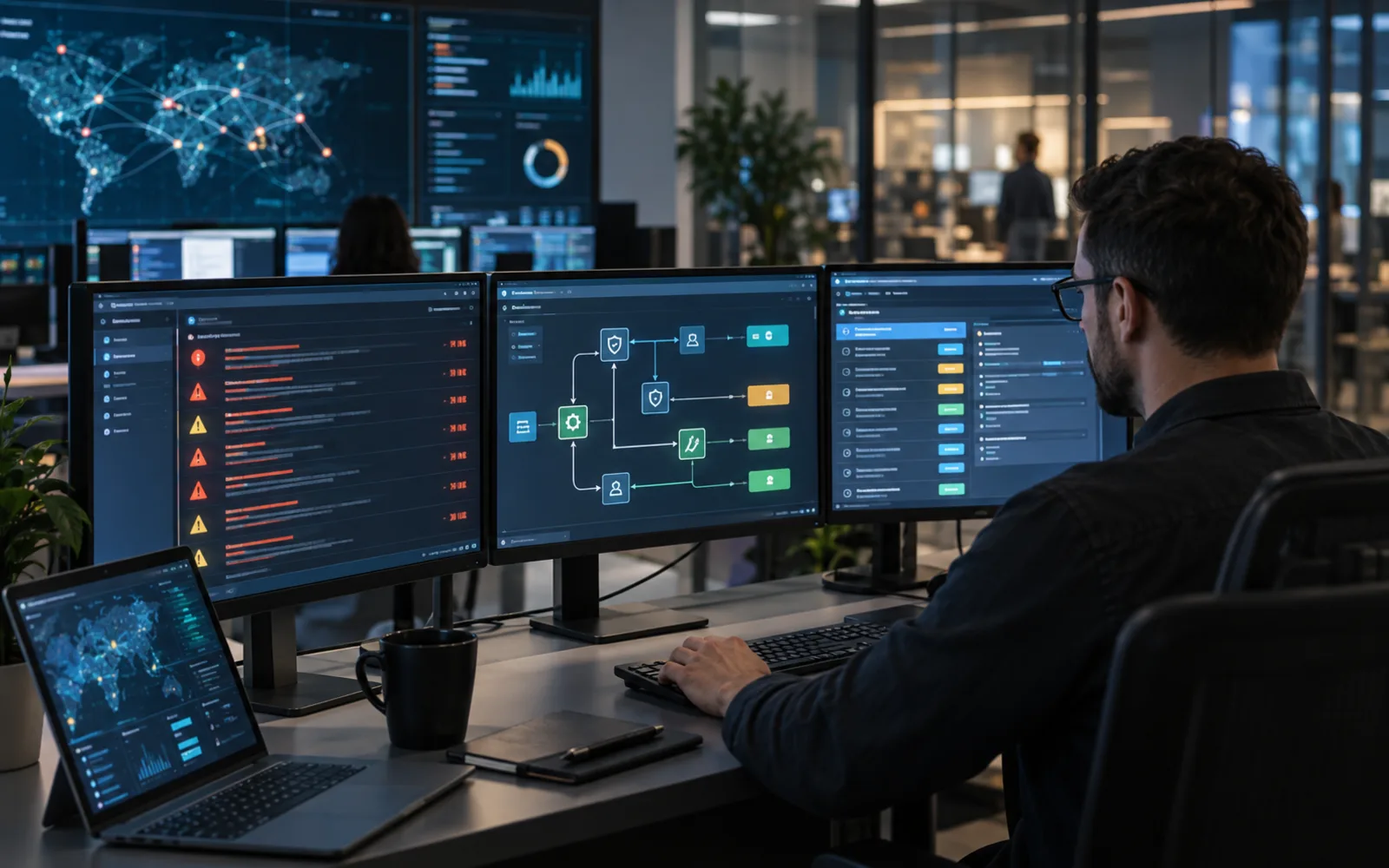
What we focus on
- Tool landscape, interfaces and licensing
- Signal design, enrichment and routing
- Workflow, ownership and maintenance
- Scoped to your environment
- Clear deliverables, agreed upfront
- No account needed to enquire
Security Integration Services
Most organisations do not lack security tools. They lack signals that arrive somewhere useful. An alert sent to a shared mailbox nobody owns, or a finding duplicated across three systems, creates work without improving outcomes, and teams quickly learn to ignore both. Integration is the work of deciding which events deserve attention, what context must travel with them, and who is accountable for the response.
Our security integration service is for teams adopting new tools, consolidating overlapping ones, or trying to make existing investments produce something actionable. We help organisations inventory the tool landscape and its licensing constraints, choose the signals worth acting on, design enrichment and routing, connect security systems to the ticketing and chat platforms people already use, and put ownership and maintenance around each connection.
Security integration that makes tools fit the way your team works
Security integration is plumbing with a purpose. It connects controls, alerts, logs, tickets and dashboards so that when a tool notices a problem, a specific person learns about it in a system they already watch, with enough detail to decide what to do.
MaxMindSecurity helps businesses plan security tool integration, SIEM and log pipeline design, alert routing and enrichment, ticketing and workflow automation, and the connection of application, cloud and data security tooling into existing operational processes.
The failure mode is familiar: a new tool is deployed, its default rules fire on everything, and within a month the channel has been muted. Good integration work is as much about ownership, thresholds and noise reduction as it is about connecting one system to another.
Best fit for
- Teams adopting new security tools or consolidating existing ones
- Businesses that need alerts routed into workflows people already use
- Organisations connecting application, cloud, data and ticketing systems
What you receive
- A documented tool landscape and integration requirement set
- Alert routing, enrichment and ownership design
- An implementation and testing scope for connected controls
Security integration areas we help you plan
Integration is only valuable when it changes behaviour. The measure is not how many systems are connected, but whether the right person now notices the right thing quickly enough to do something about it.
Tool landscape, interfaces and licensing
We start with an honest inventory: which security and operational tools exist, which are actually used, what each is meant to detect, and which licence tiers you hold. Integration options depend heavily on that last point, because APIs, webhooks, log export and automation features are often gated behind higher plans. We also identify overlap, since two tools reporting the same finding into different queues is a common source of duplicated effort.
Signal design, enrichment and routing
A raw alert rarely contains enough to act on. We design what should travel with each signal, including asset, owner, environment and severity, so the person receiving it can make a decision without opening five other systems. Routing rules then decide what becomes a ticket, what pages someone, what is aggregated into a daily summary and what is simply retained for investigation. Thresholds and deduplication are part of this, because unmanaged volume is the main reason integrations get switched off.
Workflow, ownership and maintenance
Every integration needs an owner, a test and a failure mode. We define who acts on each signal type, what the expected response is, and what happens when the integration itself breaks, which is easy to miss because a silent pipeline looks exactly like a quiet week. Alongside that we agree credential handling, permission scoping for service accounts, and how integrations are reviewed when a tool is upgraded or replaced.
A focused integration scope before anything is connected.
Before building connections, we establish what your team needs to know, who acts on it, and which systems can realistically provide or receive that information.
Current tools, interfaces and constraints
We document the security, cloud, application and operational systems in use, along with their APIs, webhooks, export options and licence limitations. Constraints matter as much as capability here: an integration that requires an enterprise tier or a plugin you do not hold is not a plan, and identifying that early avoids designing something that cannot be built.
Signals, thresholds and noise
We review what each tool currently produces, how much of it is acted upon, and what is quietly ignored. From there we agree which events justify a ticket, which need immediate escalation, which are aggregated for periodic review, and where deduplication or thresholds are needed to keep volume manageable.
Owners, workflows and response expectations
We map the teams and individuals who would act on each signal type, the systems they already work in, and the response expected of them. Integrations that route work into a queue nobody owns are identified during scoping rather than after they have been built.
Start with the right scope.
Tell us which tools you use, where your team already works, and which alerts are being missed or duplicated today. We will confirm the proposed scope, technology responsibilities, deliverables, availability and pricing before work begins.
What a security integration engagement can include
- Tool landscape inventory with interfaces and licensing constraints
- Signal selection, threshold and deduplication design
- Alert enrichment and context requirements
- Routing rules mapped to owners and response expectations
- Ticketing and workflow integration design
- Service account, credential and permission scoping guidance
- Integration monitoring, testing and maintenance plan
- Quote-ready scope with technology, effort and responsibilities defined
Request a quote for security integration
Share the systems involved, your priorities and the tools you already use. We reply by email with the scope, availability and pricing once we have reviewed what you send.
Your enquiry is with our team.
We will review what you sent and reply to your email address. Nothing starts until scope and price are agreed in writing.
Explore services in the meantimeIntegrations that reduce work instead of adding another queue.
We move from tool inventory to tested workflows in stages, so each connection has an owner and a purpose before it is built.
-
01
Landscape and requirements
We document the tools in place, their interfaces and licensing, and the operational gaps the integration is meant to close.
-
02
Signal and workflow design
Events, thresholds, enrichment, routing rules and owners are designed around the way your team already works.
-
03
Implementation and testing
Connections are built or specified, then tested with representative events so routing, deduplication and escalation behave as intended.
-
04
Operational handoff
We document the integrations, credentials, owners, failure modes and review process for ongoing maintenance.
Questions teams ask before connecting security tools.
Integration projects fail when they generate volume without ownership. These answers explain how we keep the result usable.
Will you integrate tools we already own?
That is usually the point. Share the tools, their licence tiers and where your team works day to day. We will confirm which integrations are supported by the interfaces available to you, since API access, webhooks and automation features are often restricted to higher plans.
Do we need a SIEM for this to be worthwhile?
Not necessarily. A SIEM helps when log volume and correlation genuinely require it, but many organisations get more value from routing a small number of high-quality signals into the ticketing or chat system they already use. We scope against what you need rather than assuming a platform purchase.
How do you stop integrations from creating more noise?
By deciding what deserves action before anything is connected. Signal selection, thresholds, deduplication and aggregation are part of the design, and every routed signal has a named owner and an expected response. Anything without one is either aggregated for periodic review or retained without generating work.
Who maintains the integrations afterwards?
That is agreed in the proposal. Some teams take ownership using the documentation we provide; others prefer maintenance to be covered under a managed arrangement. Either way, integration monitoring is included in the design so a silent pipeline is detected rather than assumed to be good news.
Can you help if we are replacing a tool?
Yes. Migrations are a common trigger, because signal quality, routing and ownership all shift when a platform changes. We can map current integrations, define what must be preserved, and plan the transition so coverage is not quietly lost during the switch.
Do we need to buy new tools for this to work?
Not necessarily. We start with the tools, interfaces and licensing constraints you already have and design signal routing around them where possible. A gap is only flagged as a new purchase if the existing tools genuinely cannot produce or route the signal you need.
Need a specific answer? Talk to our team
Further reading: OWASP Software Assurance Maturity Model (SAMM)
Services that pair naturally with security integration.
Connecting tools is most valuable when someone is available to act on the result. These services cover the adjacent work.